

Contact
How to reach us
Choose your preferred way to get in touch.
In-App Support
Directly in the app
Use the support form in the menu. We can link your request directly to your account.
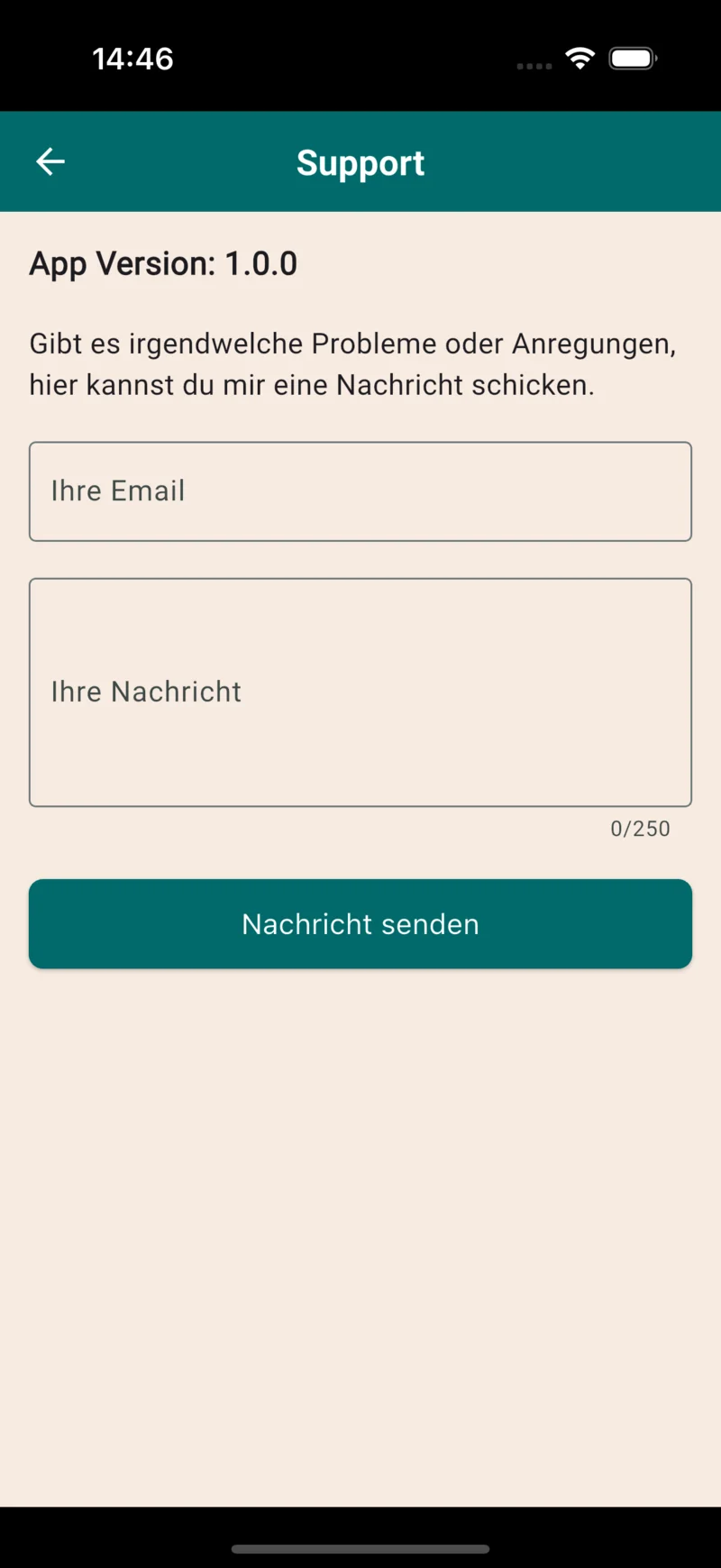 In-App Support
 FAQ
Frequently Asked Questions
Answers to the most important questions.
Does Anwalt GURU replace a real lawyer?
No. Anwalt GURU provides an initial legal orientation: the app assesses your situation, explains relevant laws and court rulings, outlines your options and finds matching lawyers near you. For binding legal advice, court representation or complex legal matters, you should always consult a licensed attorney.
What can't the AI do?
The AI can make mistakes. It does not represent you in court or replace personal legal advice. Check important deadlines in time: the app does not monitor deadlines for you. Seek qualified help promptly for urgent or consequential decisions.
How secure is my data with Anwalt GURU?
The app privacy policy explains data processing, service providers, deletion and retention periods, and your rights. If you have a question, contact support@gurusense.de.
Are there hidden costs with Anwalt GURU?
Getting started and searching for lawyers are free. For further use you can choose a question package or optional subscription. The price, allowance, renewal and cancellation terms are shown before purchase. One-time purchases do not renew automatically; subscriptions follow the terms shown at checkout.
How do I reach Anwalt GURU support?
Email support@gurusense.de or use the support form in the app. Include a brief description and any error message so we can help.
The app won't install – what can I do?
Check the current device requirements in the App Store or Google Play and make sure you have enough storage. Update the store and restart your device. If installation still fails, send support your device, operating system and the error message.
The chat is not responding – what should I do?
Check your internet connection, close the app completely (don't just minimize it) and reopen it. If the problem persists, contact us at support@gurusense.de.
How can I delete my Anwalt GURU account?
Use the account deletion function in the app. If you cannot access your account, email support@gurusense.de with the subject Delete account. The app privacy policy explains deletion and any statutory retention requirements.
Self-help
Troubleshooting
Quick self-help for common issues.
App won't install
- Check current compatibility in the App Store or Google Play
- Make sure there is enough free storage
- Restart your device
- Update the App Store / Play Store
Chat not responding
- Check your internet connection
- Fully close the app (don't just minimize)
- Restart the app
- Clear cache (Settings → Apps)
Delete account
- Email support@gurusense.de
- Subject: "Delete account"
- Start deletion in the app or contact support
See the app privacy policy (German) for deletion and retention details.
Share feedback
Your ideas make the app better!
Many features were born from user feedback.
Problem still persists? Write to us – we'll help you personally!